
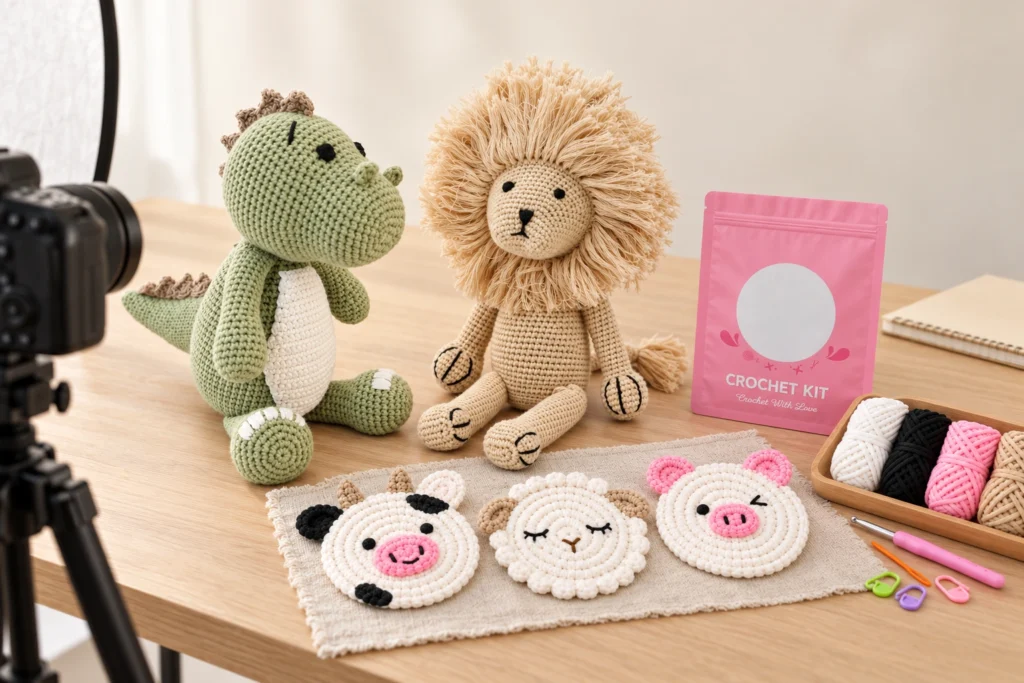
Crochet photography samples should match the product version customers will receive and show the details needed to understand the purchase. Before shooting, buyers should confirm the sample identity, representative appearance, permitted styling, variant coverage and packaging configuration, then brief the photographer on what each image must demonstrate.
This guide is for e-commerce brands, online retailers and product teams preparing finished crochet products or DIY kits for photography. It focuses on choosing and presenting representative samples, rather than platform-specific image rules or bulk-production inspection.
Define What the Photography Needs to Explain
A photography brief should begin with the buying questions the images need to answer.
For a crochet figure, customers may need to understand its shape, proportions, facial details and presentation posture. For a hanging accessory, the attachment method and hanging length may matter. For a DIY kit, buyers need to distinguish the supplied components from the finished project shown as a reference.
Identify the required information before selecting props or backgrounds.
| Buyer question | Image purpose | Sample or resource needed |
|---|---|---|
| What does the product look like? | Show the complete product clearly | Representative finished sample |
| What are its distinguishing details? | Show face, stitching, clothing or accessories | Sample with the relevant features visible |
| How large is it? | Explain dimensions or scale | Confirmed measurements and a suitable scale reference |
| What is included? | Show the actual sale configuration | Complete approved product or kit contents |
| How is it presented or attached? | Explain the intended arrangement | Relevant packaging, support or attachment reference |
| Which variant am I choosing? | Distinguish selectable options | Correct samples for the variants shown |
Assign a purpose to each planned image. Several attractive photographs of the same front view may still leave important questions unanswered.
Confirm the Sample Identity Before Shooting
A sample can look finished while representing an earlier development version.
Check its identity against the intended sale specification. Confirm the product reference, size, color, material, construction details and included accessories.
For packaged products, also confirm the packaging version. For kits, check the component configuration and the relationship between the supplied materials and the displayed finished project.
Record:
- Product or SKU reference.
- Sample version and approval status.
- Relevant material and color references.
- Size and measurement method.
- Included accessories or components.
- Packaging version.
- Any unresolved differences from the intended sale product.
Do not rely on a filename or an informal description such as “latest sample.”
If the final product is still changing, identify which photographs can be taken now and which depend on a later sample. Record those limitations in the shoot brief.
For the underlying sample approval process, see What Should Buyers Approve in a Crochet Pre-Production Sample?.
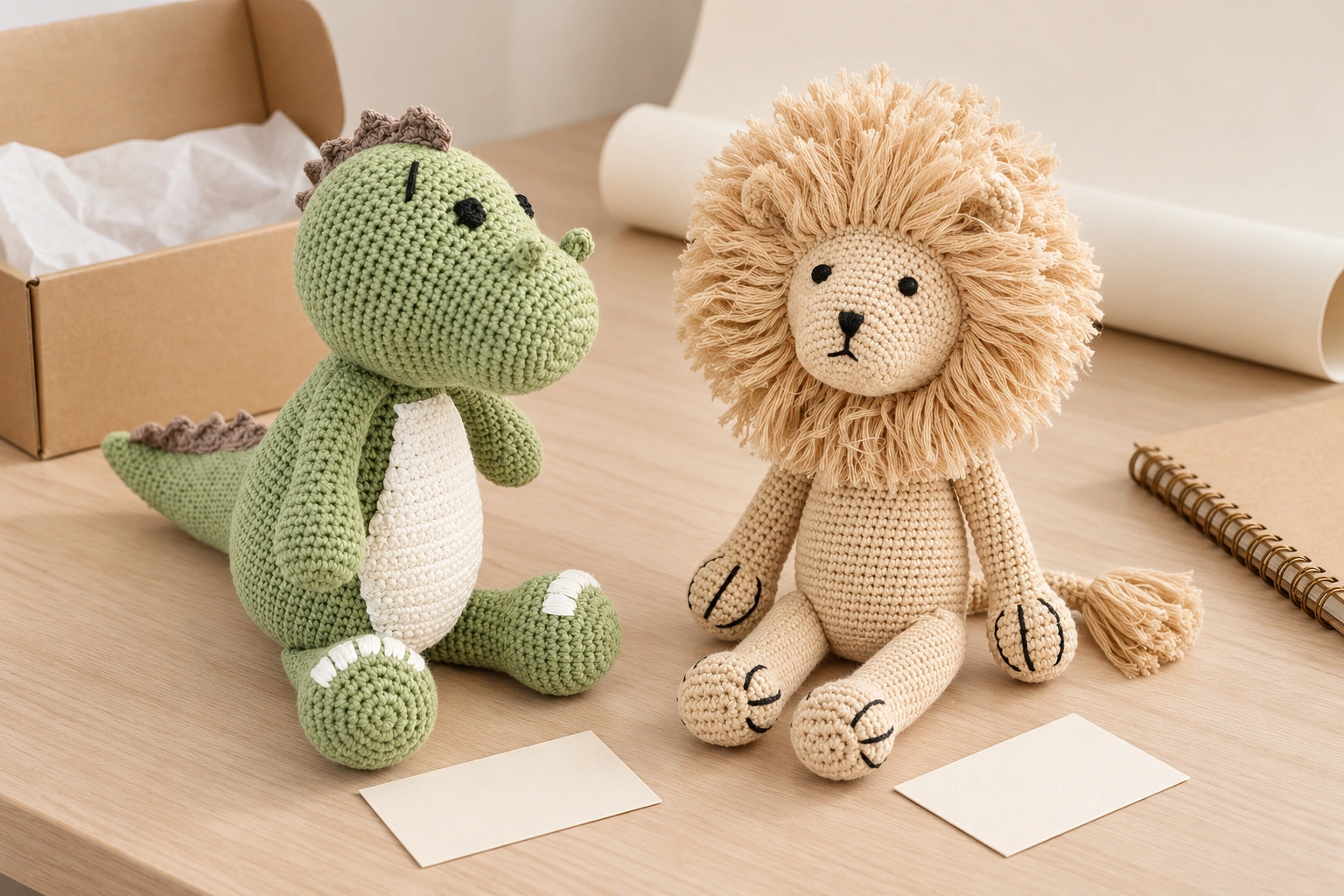
Choose a Representative Sample
The photography sample should represent the appearance the buyer intends to supply.
A carefully selected sample can help the photographer show the design clearly. However, selecting an unusually perfect specimen or modifying it beyond the production specification can create expectations the normal product does not meet.
Compare the proposed photography sample with the approved reference and agreed appearance criteria.
Review:
- Overall shape and proportions.
- Facial placement and expression.
- Stitch appearance and yarn texture.
- Clothing and accessory position.
- Filling distribution and natural posture.
- Visible finishing.
- Permitted handmade variation.
Avoid correcting a product only for the shoot if that correction will not be included in the supply specification.
Where acceptable handmade differences need clarification, see How to Define Acceptable Handmade Variation in Crochet Products.
Agree What Styling Is Permitted
Preparation can help a sample appear as intended, but styling should not conceal how the product actually behaves.
Agree which adjustments are appropriate before the shoot. Depending on the product, these might include arranging an existing garment, positioning limbs within their natural range or placing the product on a suitable support.
Review the distinction between presentation and product modification.
| Preparation or styling choice | Review question |
|---|---|
| Arranging clothing or accessories | Does the result match the intended supplied configuration? |
| Supporting a soft figure | Could the image suggest that the product stands independently? |
| Positioning a hanging product | Is the attachment path physically accurate and understandable? |
| Shaping a flower stem | Is shaping permitted by the approved construction? |
| Removing packaging for a close-up | Will other images explain the actual sale configuration? |
| Using background props | Could customers mistake the props for included items? |
If a figure requires support to stand, consider a natural seated presentation or a visible support where appropriate. Do not stretch or reshape the product to achieve a pose outside its intended construction.
Show Texture Without Changing the Product's Appearance
Crochet products rely on visible yarn and stitch detail. Lighting and image processing should preserve those characteristics.
Ask the photographer to review the sample under the proposed lighting before completing the full shoot.
Check whether:
- Light-colored yarn retains visible detail.
- Dark sections remain distinguishable.
- Fine facial embroidery is clear.
- Yarn texture appears natural.
- Highlights do not obscure the shape.
- Background colors create an unwanted cast.
Include the agreed physical color reference in the review process. A photograph viewed on one screen cannot establish how every customer will see a color.
Avoid retouching that changes stitch structure, removes genuine construction features or alters product proportions. If a product detail needs correction, determine whether the physical sample or specification should change before editing the photograph.
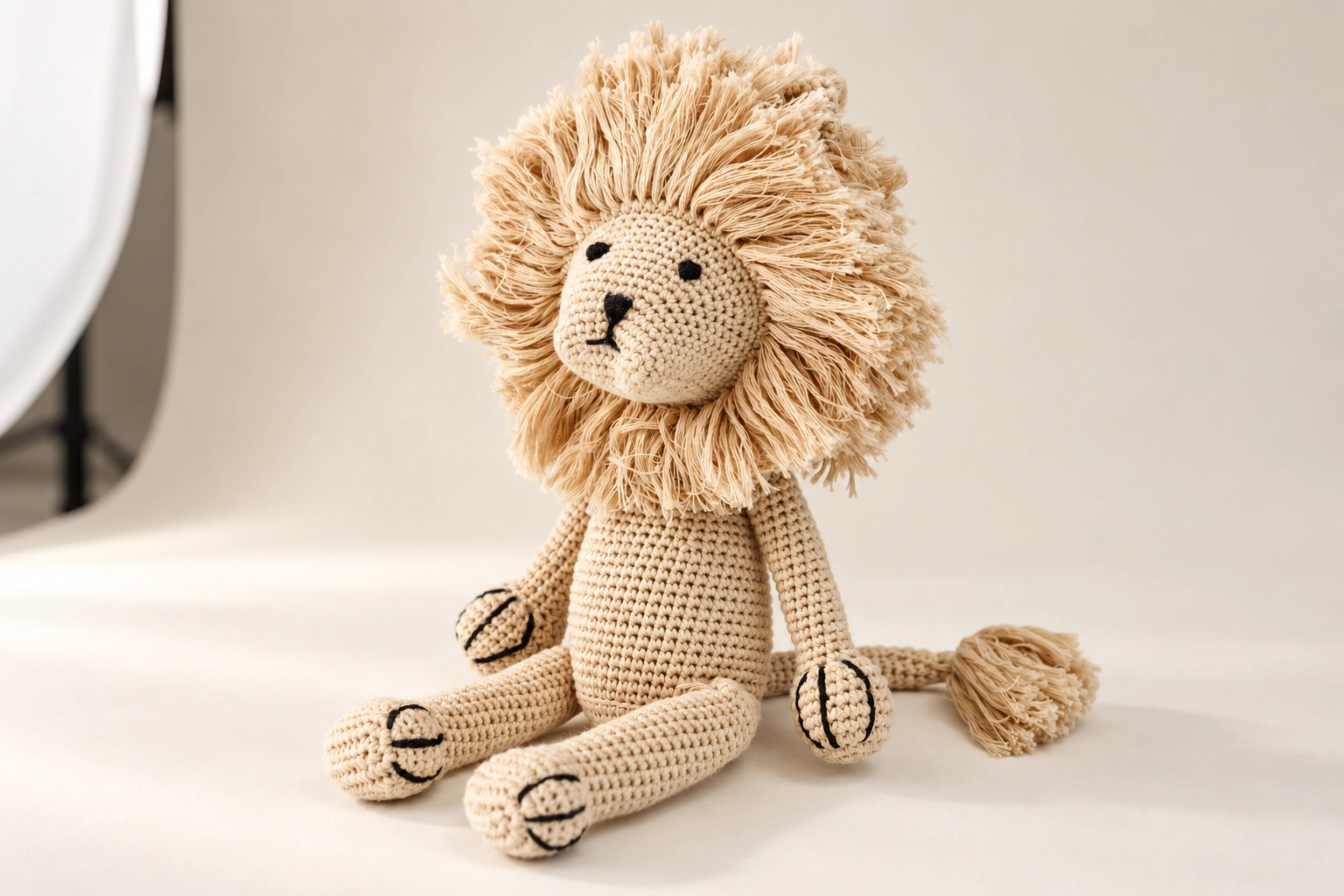
Plan Coverage for Selectable Variants
A family of similar products still needs clear variant identification.
Create a mapping between the product references and the images that will represent them. Check color, size, clothing, face details and accessories separately where these define a variant.
Use a simple coverage record:
| Product reference | Variant details | Required views | Sample ready? | Review status |
|---|---|---|---|---|
| Agreed SKU | Color, size or configuration | Views needed for that variant | Confirm before scheduling | Record after review |
Do not assume that one photograph can represent all variants accurately.
A group image can explain the range, while individual images help distinguish selectable products. If the assortment contains different sizes, use a comparison method that preserves their true relationship.
Do not enlarge smaller products independently within a shared comparison image unless the presentation clearly explains that the images are shown at different scales.
Make the Sale Configuration Clear
Product photography should distinguish the item being sold from demonstration products and styling props.
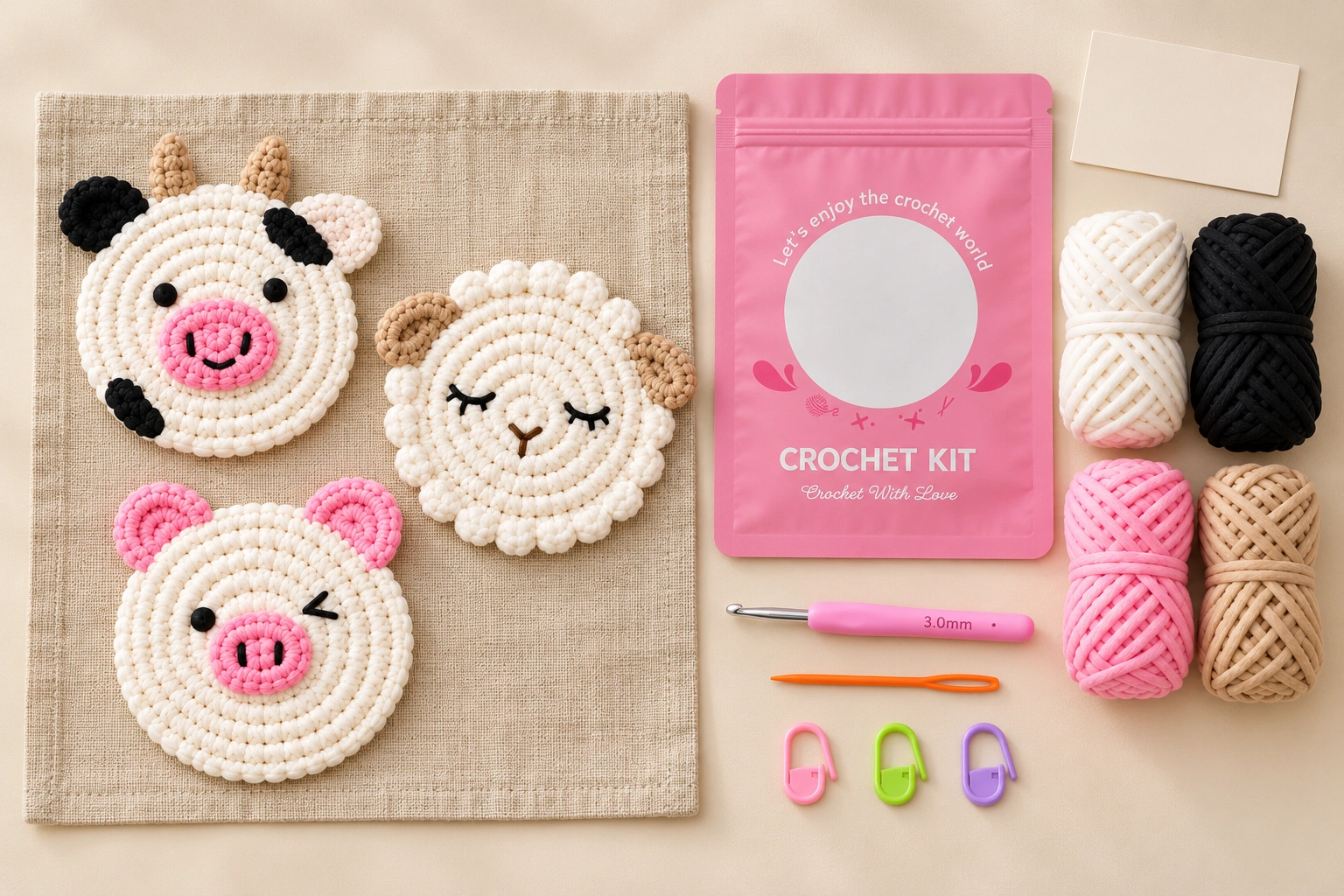
For finished gifts, check whether packaging, cards and accessories are included. For kits, establish which tools and materials are supplied and whether a finished sample is shown only to illustrate the intended project.
A kit photograph may include:
- The approved retail packaging.
- The actual supplied materials.
- Included tools and accessories.
- The relevant learning resource format.
- A finished project reference, clearly distinguished from the contents.
Check physical contents before shooting. See How to Check Every Component in a Crochet Kit Before Retail Packing for a component verification framework.
Review Packaging and Product Together
Packaging photography should match the version intended for sale.
Confirm the package dimensions, artwork, product arrangement and included inserts. Check that the photographed configuration can be reproduced using the agreed packing method.
If the product is removed for a detail image, retain another view that explains how it is supplied.
Where packaging is provisional, keep it out of final publication until the relevant details are approved. Record which assets depend on that approval.
Approve the Images Against the Physical Reference
Final review should involve someone who knows the approved product, not only someone evaluating visual style.
Compare the images with the sample and the shot brief.
Check:
- The correct product and variant are shown.
- Shape, proportions and important details remain accurate.
- Presentation does not imply unsupported standing or attachment behavior.
- Included items can be distinguished from props.
- Packaging matches the intended version.
- Scale references are accurate.
- Retouching has not changed the product.
- The image set answers the planned buying questions.
If a later product change affects the photographs, identify the affected assets and replace or revise them before use. Keep the asset record connected to the relevant product version.
Prepare Photography Sample Requirements With UMY Crochet
For a photography sample request, provide the intended product references, variants, packaging scope and shot requirements. State whether the samples are needed for concept review, final product photography or another defined purpose.
The development discussion should clarify:
- Which sample versions are required.
- Whether packaging is final or provisional.
- Which components must accompany each product.
- Whether duplicate samples are needed for different views.
- What preparation is permitted.
- Who confirms that the samples represent the intended supply.
Confirm sample availability, quantities and timing separately. A production approval sample and a photography sample may serve different handling needs, even when they represent the same specification.
Frequently Asked Questions
Can an early development sample be used for product photography?
It can support concept work, but final images should be checked against the intended sale product. Record differences and replace affected images when the design changes.
Should the photography sample be better finished than normal production?
It should represent the agreed supply standard. Extra modifications made only for photography can create expectations that the normal product does not meet.
Can a soft crochet figure be supported during the shoot?
Yes, where appropriate, but the final presentation should not mislead customers about whether the product stands independently or requires support.
Does every color variant need its own photograph?
Plan coverage according to the differences customers need to identify. Avoid using one image to represent variants with visibly different features.
Can a finished toy appear in a DIY kit photograph?
It can illustrate the intended project, provided customers can distinguish the finished reference from the materials and tools actually supplied.
Should product photographs be checked again after a material change?
Yes, if the change affects visible color, texture, size, shape or other represented details. Review the affected assets against the revised physical product.
Request a Photography Sample Review
Share your product references, variant list, packaging version and planned image coverage with UMY Crochet. We can review which physical samples and accompanying components are needed to represent the intended product configuration before your photography session.
<!--[googlesitekit-end-of-content]-->
 Chinese